
Met age verification requirements across jurisdictions for Aztec's $60M token sale.
Run compliance checks, confirm user eligibility, and detect bots through one open SDK. Users prove what you need on their own device. You get the answer, without ever touching the underlying data.
01/ Eligibility checks
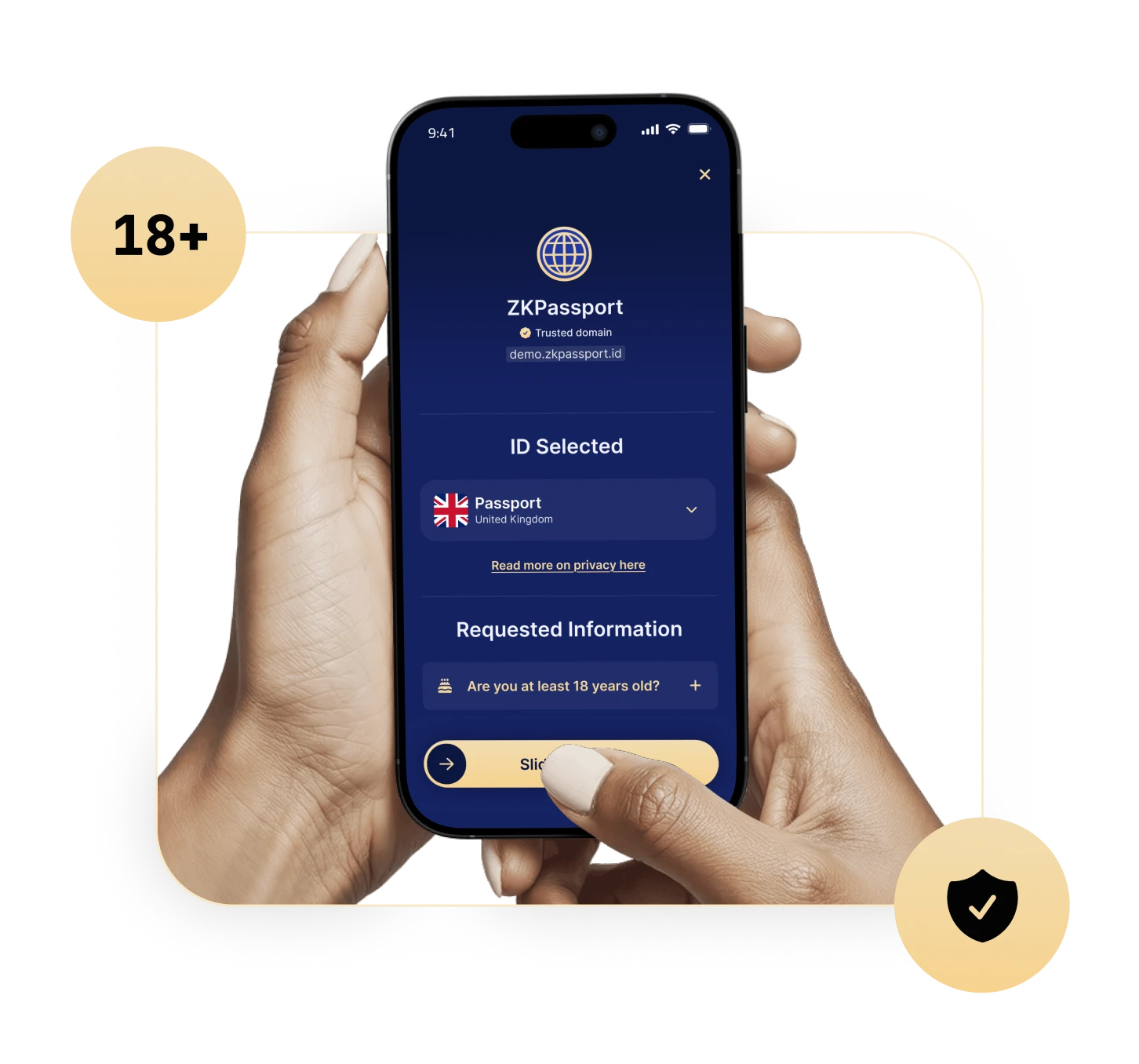
Used for age-restricted platforms, compliance with UK/EU regulations, regional ticketing, ecosystem grants, and other geo-gated programs.
Met age verification requirements across jurisdictions for Aztec's $60M token sale.
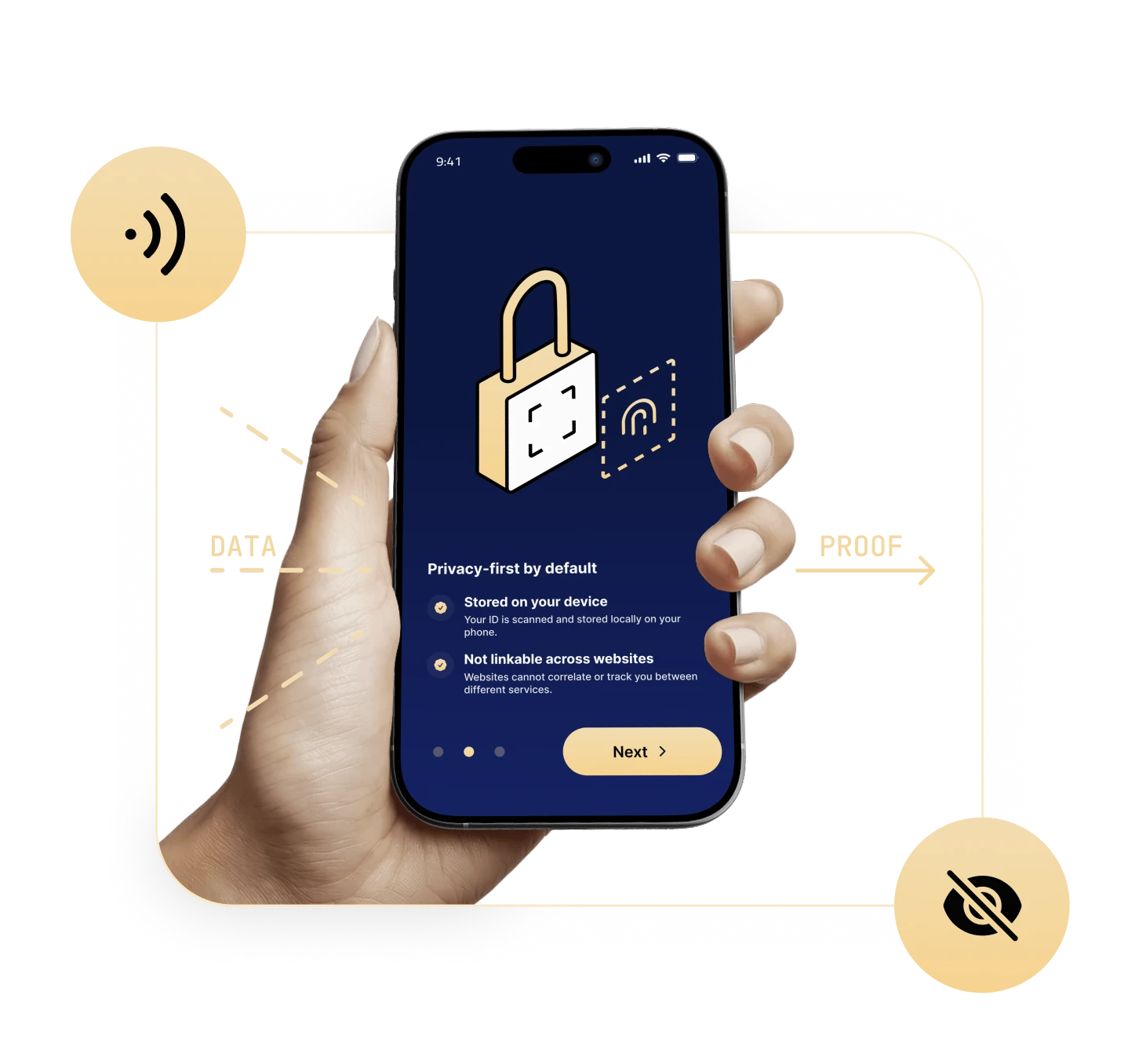
The honeypot doesn’t exist because the data was never collected. The phone does the work; only the answer reaches your servers.
Self-serve dashboard. SDKs for TypeScript. Onchain verifiers for Ethereum, Base, Aztec and other EVM chains.
Sign in with Google → First verification in minutes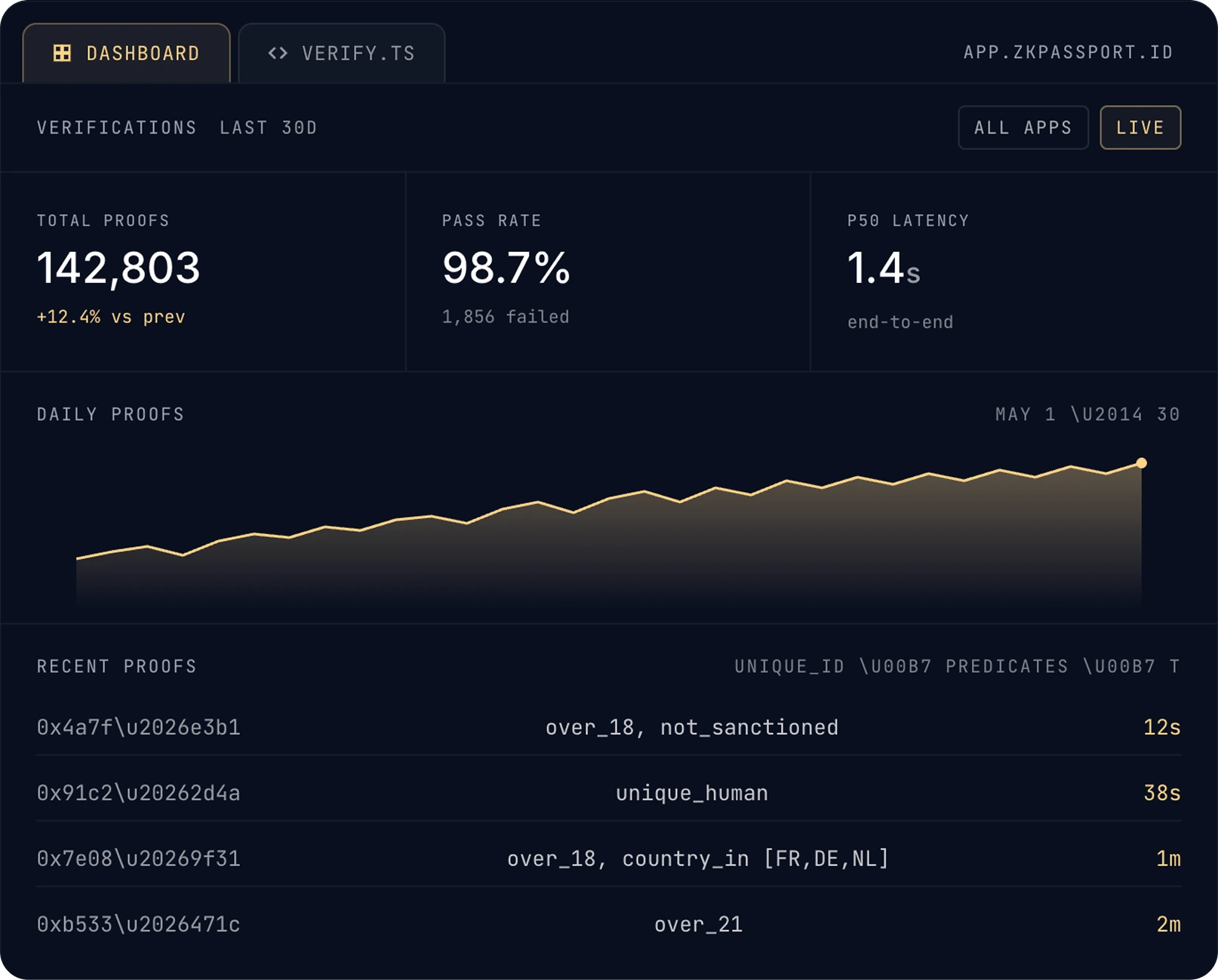
The deepest written piece on what ZKPassport is, who it's for, and how it's deployed — published by Aztec Network.
Michael Elliot, founder of ZKPassport, breaks down how zero-knowledge proofs can power private, secure identity verification, and why it matters for real-world applications.
This talk presents ZKpassport, an identity verification solution integrating zero-knowledge proofs with ePassports to achieve privacy-preserving and unforgeable government-attested digital identities.
User personal data never leaves their own devices. No data is stored on ZKPassport servers, and no user data is ever sent to your servers. There’s nothing to breach, leak, or delete, and no data custody compliance for you to worry about.
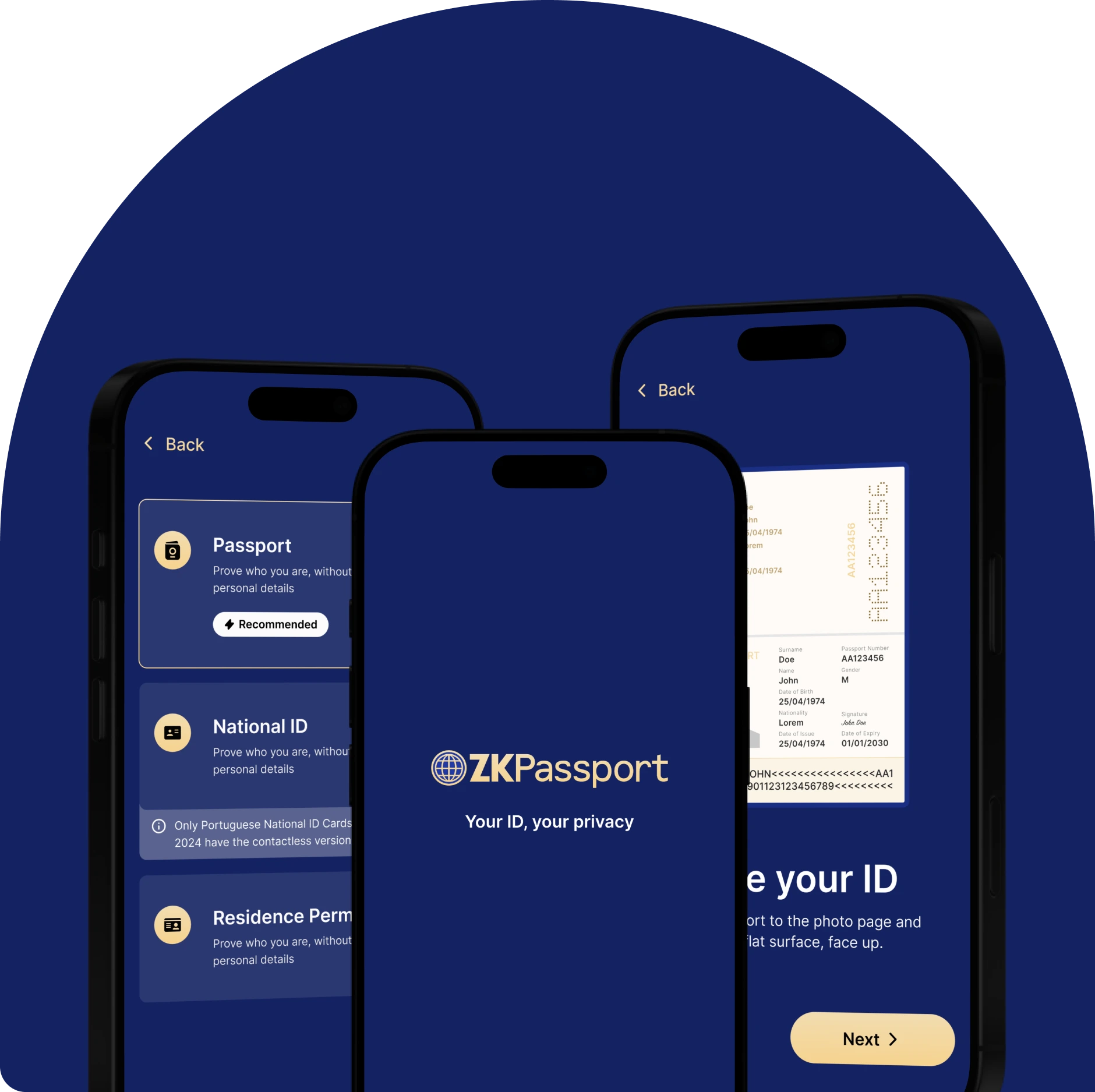
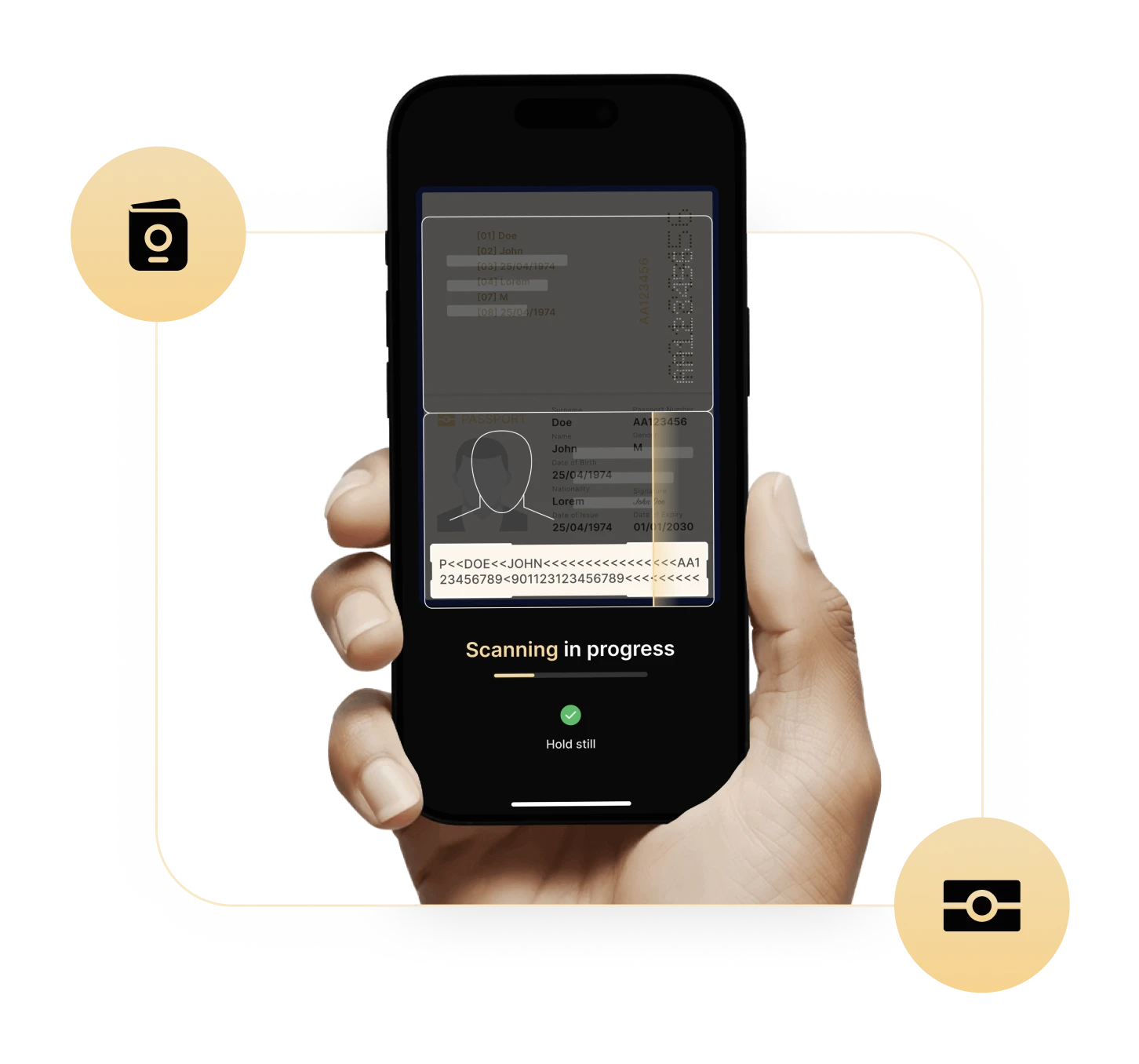
The user taps their passport against their phone. Their device reads the NFC chip, verifies the issuing country signature, and generates a zero-knowledge proof that satisfies your predicates (e.g. over_18, not_sanctioned, unique). You verify the proof in your backend or onchain. The underlying data never leaves the phone.
A real passport with a working chip is hard to fake, the issuing country’s signature is checked on-device against ICAO’s public-key infrastructure. And one passport produces one nullifier per app, so the same person can’t quietly create two accounts.
Passports, National ID cards and Residence Permits with a NFC from 130+ countries. Coverage tracks the ICAO 9303 standard: if a country issues a chipped travel document, it works. Explore the full registry of supported countries.
Other identity providers charge per verification because they sit in the middle; running OCR, hosting selfie review, paying data providers for registry lookups. We don’t do any of that. The verification is a pure cryptographic check between the chip in the user’s ID and your backend. We’re never in the loop, so there’s nothing to bill you for. Add-on services (white-label apps, hosted analytics, premium support) may carry a fee, but the verification itself is free.
Today, yes; users install the ZKPassport app to scan their document. We’re rolling out iOS App Clips so the scan can happen inline in your flow without a separate install. White-label is on the roadmap for enterprise customers.